
How to sideload Android APKs on your Chromebook
Chromebooks aren't limited to only apps you can get on the Play Store.
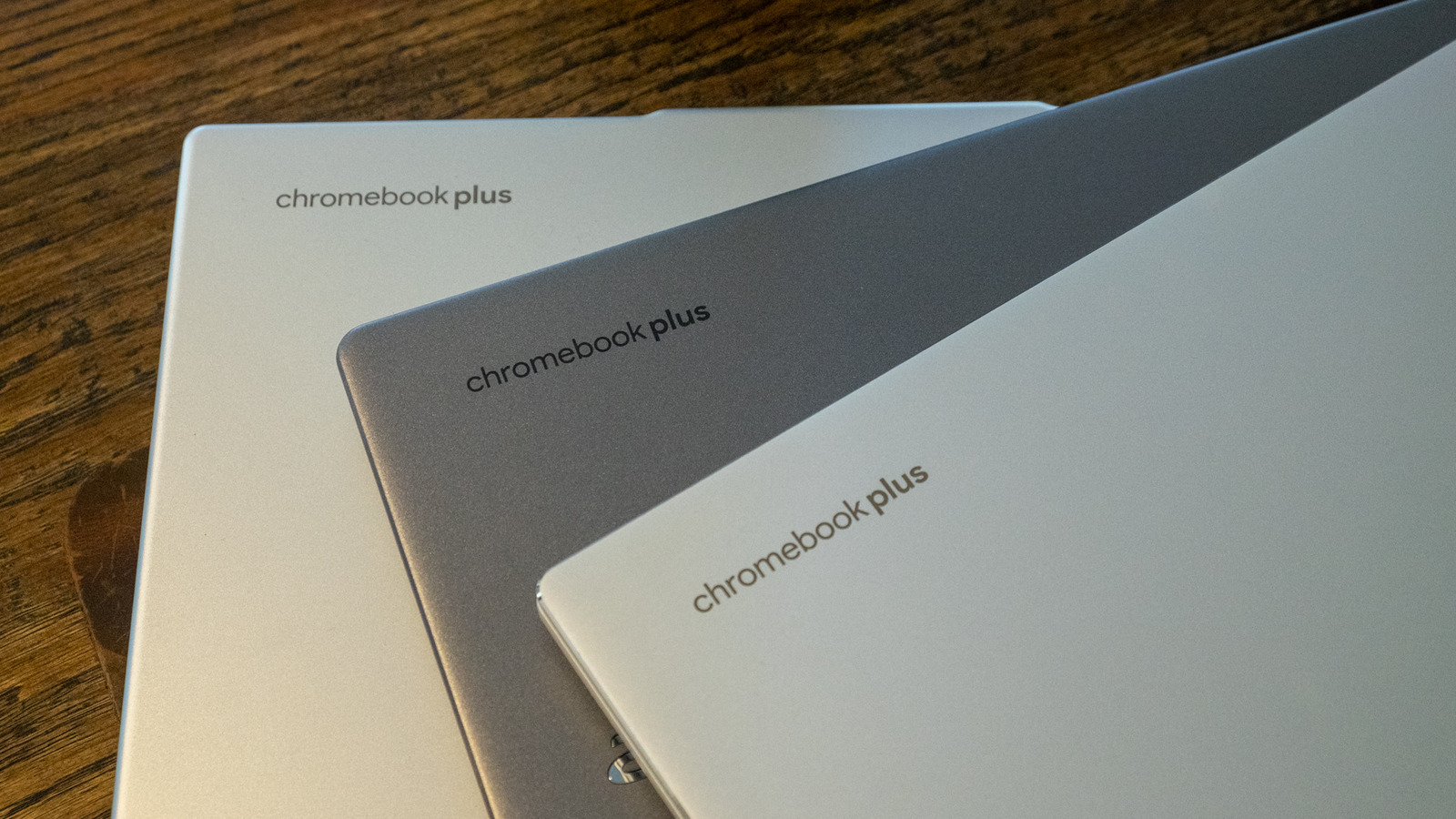
Chromebooks aren't limited to only apps you can get on the Play Store.
The short version
- You're not limited to only apps you can get on the Play Store.
- A Chromebook can be a pretty flexible device.
- You can use it for productivity, to play games, watch movies and so on.
What happened
To do these things, you might download apps from the Google Play Store. Linux apps and progressive web apps are supported too.
Why it matters
But maybe the experience you're looking for isn't available on the Play Store.
Summary by Nerd News Network. Read the full article at Engadget via the links above and below.